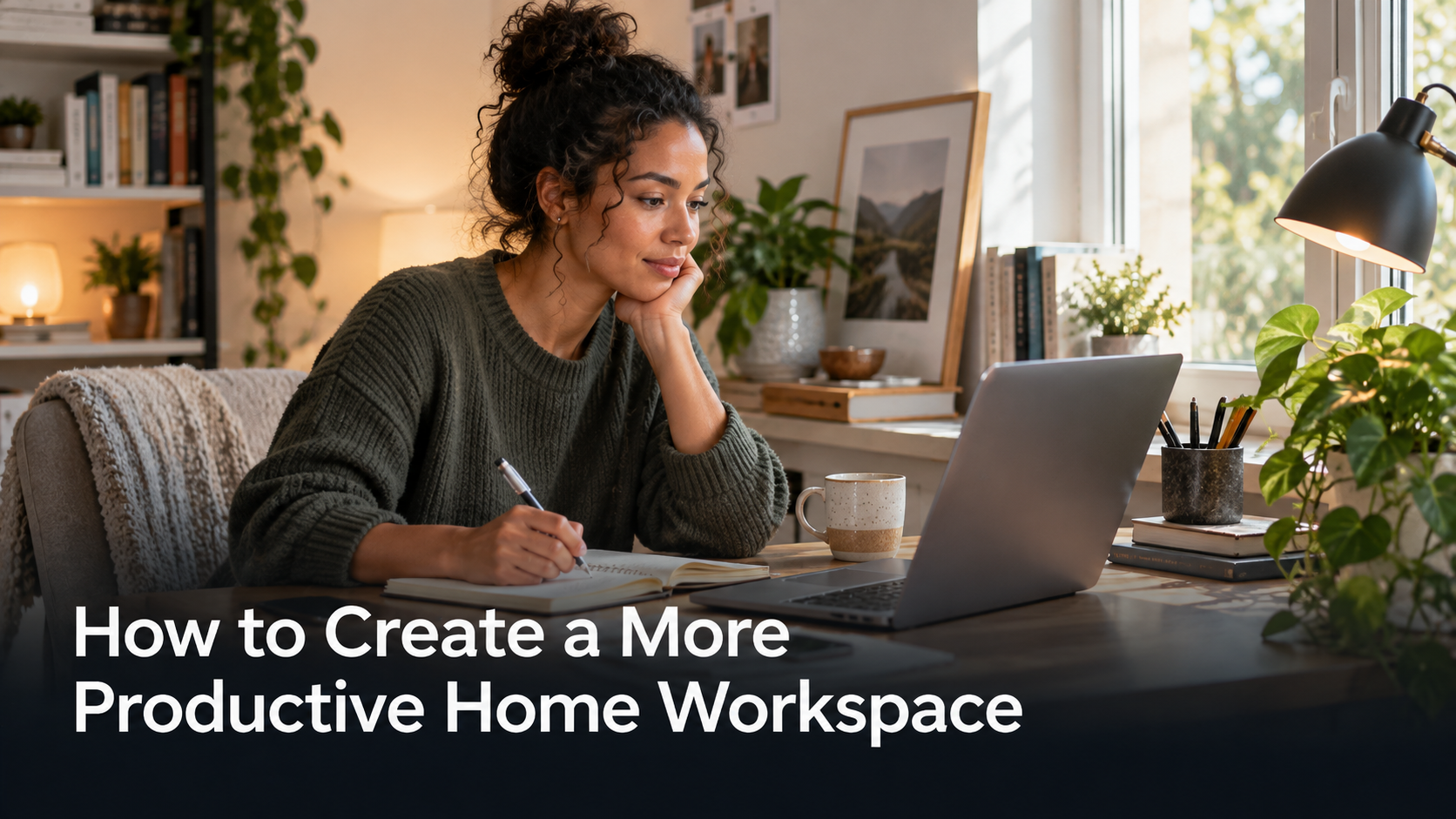
Working from home offers flexibility, but it also creates a challenge that traditional offices largely solve automatically: defining where work begins and ends.
A well-designed home workspace does not need to be expensive or large.
Small improvements in lighting, organisation and daily routine can make working from home more comfortable and productive.
Choose a Consistent Work Area
If possible, use the same location for work each day.
This helps create a mental boundary between work time and personal time.
A dedicated room is ideal, but it is not essential.
A corner of a bedroom, living area or dining space can work if it is organised consistently.
The objective is to create a location associated with focused work.
Pay Attention to Lighting
Good lighting can make a major difference to comfort.
Natural daylight is useful where available, but direct sunlight on a computer screen can cause glare.
Positioning a desk near a window rather than directly in front of it may provide a better balance.
In darker rooms, a desk lamp can provide focused lighting.
Avoid relying entirely on a bright overhead light if it creates uncomfortable shadows or screen reflections.
Keep Frequently Used Items Within Reach
An organised workspace reduces small interruptions.
Items used regularly should be easy to access.
This might include a notebook, charger, headphones, pens or documents.
Items that are rarely used can be stored elsewhere.
The goal is not to create a perfectly empty desk.
It is to ensure everything on the desk serves a useful purpose.
Reduce Digital Clutter Too
Physical organisation is only part of the problem.
Too many browser tabs, notifications and applications can create similar distractions.
Turning off unnecessary notifications during focused work can help.
Some people also find it useful to separate work-related browser profiles from personal browsing.
This reduces the temptation to switch between unrelated activities.
Invest in Comfort Before Decoration
A visually attractive workspace can be enjoyable, but comfort should come first.
A chair that provides suitable support and a desk at an appropriate height are more important than decorative accessories.
Computer screens should generally be positioned so users do not need to constantly look sharply downward.
Laptop users who work for long periods may benefit from an external keyboard or monitor stand.
Small ergonomic improvements can reduce discomfort over time.
Create a Start and Finish Routine
One disadvantage of working from home is that work can easily continue into personal time.
A simple routine can help.
Starting the day by reviewing priorities can create focus.
At the end of the workday, closing applications, clearing the desk or writing tomorrow’s task list can signal that work has finished.
These routines replace some of the psychological separatin that commuting once provided.
Take Regular Breaks
Long periods of uninterrupted sitting can reduce comfort and concentration.
Short breaks provide an opportunity to move, drink water and rest the eyes.
Breaks do not need to be long.
Even a few minutes away from the screen can help reset attention.
Adapt the Workspace Over Time
A home workspace rarely becomes perfect on the first attempt.
Pay attention to recurring problems.
If video calls always have poor lighting, adjust the desk position.
If documents constantly accumulate, create a simple storage system.
If outside noise causes distraction, headphones may help.
The best workspace is one that evolves around the way a person actually works.
Productivity at home is not primarily about expensive furniture or elaborate office design.
A consistent location, comfortable setup and clear routine can often make the biggest difference.

